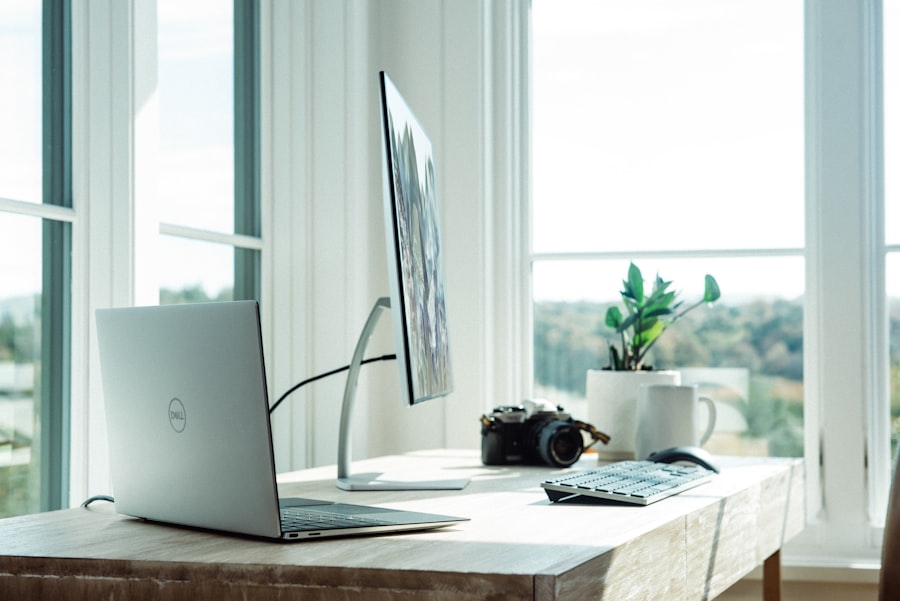
Your workspace directly impacts your performance, your call quality, and ultimately — your paycheck. Whether you're brand new to virtual customer service or looking to upgrade your setup, this guide covers everything you need to build a home office that works for you, not against you.
1. The Non-Negotiables: Internet & Computer
Before anything else, nail down your foundation. Every client on the Arise platform requires specific hardware and connectivity. Here's what you need to know:
Internet Requirements
- Minimum 10 Mbps download / 5 Mbps upload (many clients require more)
- Wired Ethernet connection required — Wi-Fi is almost universally prohibited during calls
- No satellite internet (too much latency)
- Test your speed at fast.com or speedtest.net before applying
Computer Requirements
- Windows PC (Windows 10 or 11 — most clients do not allow Mac or Chromebook)
- Minimum 4GB RAM (8GB+ recommended for smooth multitasking)
- Intel i5 or AMD equivalent processor or better
- At least 50GB free hard drive space
If you're buying a new PC, look for refurbished business laptops from Dell, HP, or Lenovo. You can find solid machines for $150–$250 on eBay or Amazon Warehouse Deals — plenty powerful for call center work.
2. The Headset — Your Most Important Tool
Your headset determines how you sound to customers and how long you can work comfortably. Don't skimp here.
Plantronics Blackwire 3220
Excellent noise cancellation, comfortable for long shifts. USB-A connection.
Jabra Evolve2 30
Professional grade, outstanding mic clarity. A favorite of experienced agents.
Logitech H390
Budget-friendly entry point. In-line controls, decent audio. Great to start with.
Most Arise clients explicitly prohibit Bluetooth headsets due to audio quality and latency issues. Always use a wired USB headset.
3. Your Workspace: Environment Matters
Customers can hear your environment. A professional-sounding call starts with a quiet space.
- Dedicated room with a door — household noise can get you flagged or even removed from calls
- Hard chair and proper desk — you'll be sitting 4–8+ hours. Invest in comfort
- Keep children, pets, and TV completely out of earshot during your shift
- A bare room with soft furnishings (rugs, curtains) reduces echo significantly
If you're in a noisy environment, consider hanging moving blankets on the walls behind your desk. They absorb sound dramatically and are much cheaper than acoustic foam panels.
4. Additional Equipment Worth Having
- Ethernet adapter — if your PC only has USB-C, grab a USB-C to Ethernet adapter (~$15)
- UPS (Uninterruptible Power Supply) — protects your equipment and keeps you online during brief power blips (~$40–$80)
- Second monitor — looking at two screens simultaneously can reduce your handle time significantly
- Notepad & pen — always have physical notes handy for quick reference
- Good lighting — reduces eye strain during long shifts (daylight bulbs recommended)
5. Your Pre-Shift Checklist
Building a quick daily routine before your shift starts prevents most common technical issues:
- Plug in Ethernet and confirm internet is working (run a quick speed test)
- Plug in and test headset audio — speak aloud and listen back
- Close all unnecessary browser tabs and applications
- Log into the client system 10–15 minutes early
- Have water nearby and your notes ready
- Let household members know your shift hours
You can build a fully functional home office for under $300: a refurbished PC (~$180), a solid USB headset (~$40), an Ethernet cable (~$10), and you're ready to go. Start lean, upgrade as you earn!
Final Thoughts
The good news? You don't need an expensive studio setup to be a top-performing agent. What matters most is reliability — consistent internet, a clear headset, and a quiet space. Nail those three things and you'll be off to a great start with Culturense LLC.
Ready to get started? Apply to join our team today — it's completely free!